















Features
Everything a worship team needs, inside one church app
Most teams stitch together a chat group, a spreadsheet, and a chord site. OnStage replaces all three. You manage the team, build the setlist, share chords and lyrics, schedule the rehearsal, and open the same setlist on stage during the service.

Your team, organized

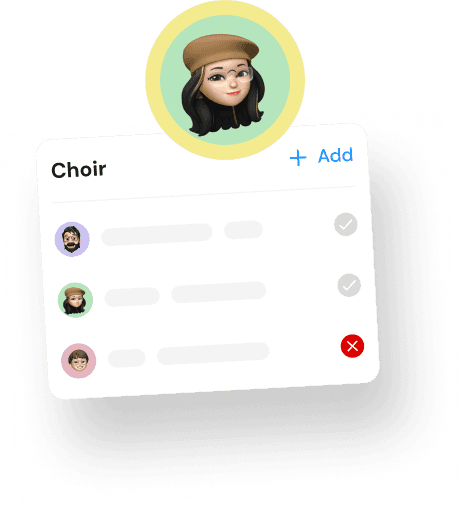
Create and manage worship teams
Assign members and roles

Setlists with chords
Build, edit, and share setlists
View and share chords and lyrics

Rehearsals everyone sees
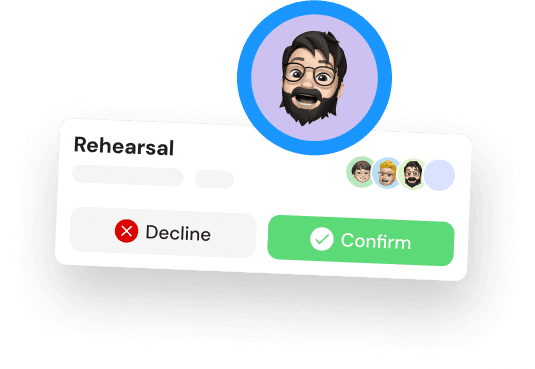
Schedule rehearsals and events
Real-time sync across the team

Built for the stage, in your language
Fast song transitions for live use
Full interface in Spanish and Portuguese
Every Sunday


Why OnStage
Why worship teams choose OnStage
OnStage was built for the way small and medium teams actually work. It costs less than stacking multiple tools, and it speaks your team’s language.
Live
Fast transitions and one-tap setlist access mean you use it during the service, not only before it.


Pricing
Teams of up to five members use it free. Paid plans stay affordable as the team grows.
One tool
Planning, chords, scheduling, and team management sit in a single app, so there’s less to set up and less to explain.


Languages
Speaks Spanish and Portuguese
The full interface is translated, which removes the language barrier most competing apps still leave in place.
How it works
How the OnStage church app works

Create your team
Add members and assign their roles.

Build the setlist
Pick songs, set the order, attach chords and keys.

Share and rehearse
Send it to the team and schedule the rehearsal.

Lead the service
Open the setlist on stage and run the whole set live.
Testimonials
FAQ
FAQs about the OnStage church app
Can’t find what you’re looking for? Our team is happy to help your church get set up.
Contact us
What is OnStage?
Is there a free version?
Can I use it live during the service?
What languages does it support?
What devices does it run on?
